







OpenAI Codex for Chrome Extension Launches: Smarter Browser-Based AI Coding Arrives
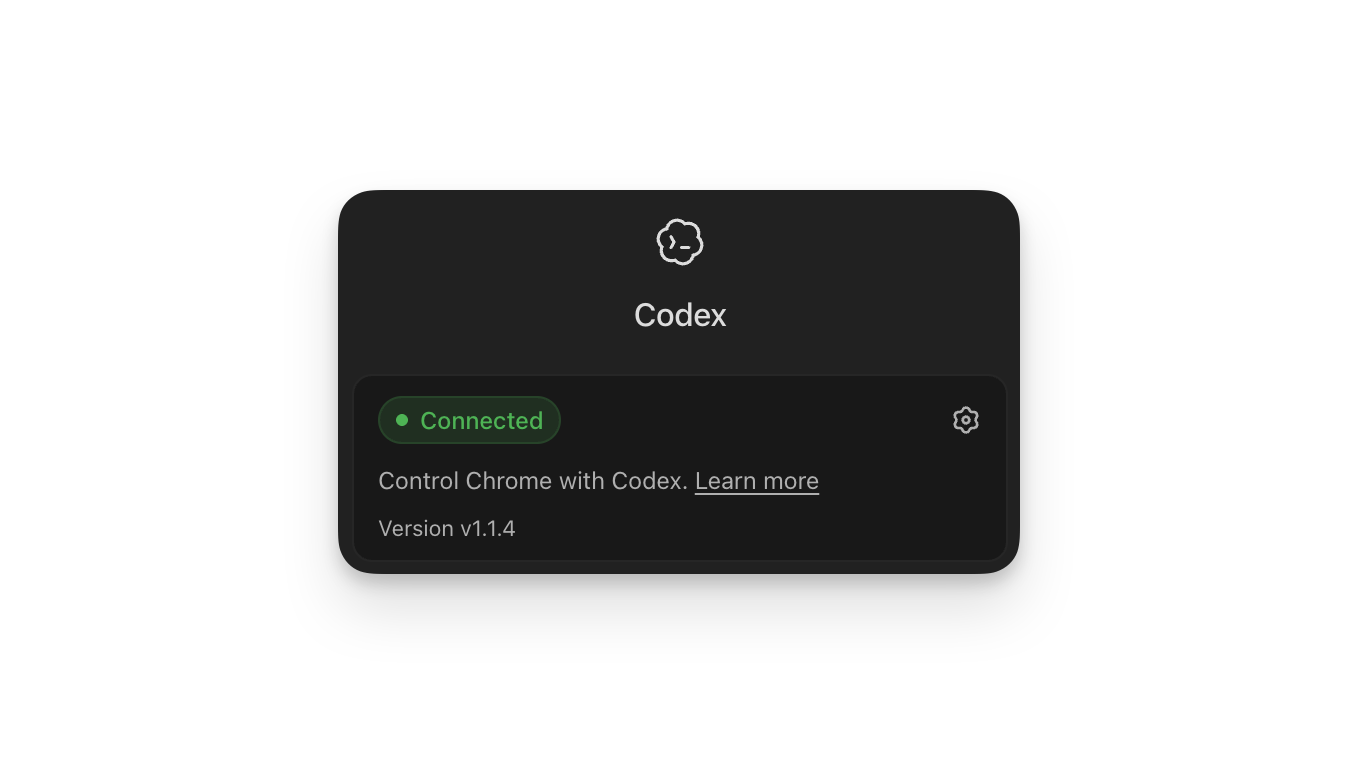
OpenAI Codex for Chrome has officially landed, marking another major step in the company’s push to embed its AI coding assistant directly into the tools people already use every day. With the new Chrome extension, Codex can now work right inside the browser on both Macs and PCs — no app switching, no clunky workarounds.
For developers, designers, and power users who practically live in the browser, this update could be a serious time-saver.
What the New Codex Chrome Extension Does
The extension brings Codex into Chrome in a way that feels less like an add-on and more like a built-in collaborator. Instead of taking over the browser or hijacking the user’s workflow, Codex sits alongside it, ready to assist whenever needed.
According to OpenAI, the extension allows Codex to:
- Test and interact with web applications
- Pull context from multiple open tabs at once
- Work directly with Chrome’s web DevTools
- Help with everyday browser-based tasks that plugins or APIs alone can’t handle
That last point is key. A lot of real-world development and research work happens entirely in the browser — checking documentation, debugging UI behavior, comparing API responses, or jumping between staging environments. Until now, AI tools often struggled to keep up with this kind of fast-paced, multi-tab workflow.
Why OpenAI Built It
OpenAI says the idea came from watching how people actually use Codex. After launching Computer Use inside the desktop Codex app, the team noticed that most common tasks were happening in the browser anyway.
Rather than forcing users to bounce between a desktop app and Chrome, OpenAI decided to bring Codex straight to where the work is already happening. The result is an extension designed to make AI assistance feel more natural inside everyday tasks like:
- Inspecting a webpage’s elements
- Reproducing or diagnosing bugs
- Pulling data from multiple sources at once
- Walking through user flows on a live site
In short, OpenAI is trying to make Codex less of a separate tool and more of a built-in layer of intelligence that follows users around the web.
Codex’s Rapid Growth
The launch arrives as Codex itself is hitting some impressive numbers. OpenAI says the AI assistant now has more than 4 million weekly active users — an 8x jump since the start of the year.
That kind of growth suggests Codex isn’t just popular with developers anymore. It’s increasingly being used by:
- Engineers building and shipping production code
- Data analysts working on quick scripts and automations
- Students and self-taught coders learning new languages
- Non-developers using it to handle everyday digital tasks
The Chrome extension fits neatly into this trend. By widening Codex’s reach beyond traditional development environments, OpenAI is positioning it as a general-purpose work assistant rather than a niche developer tool.
Smarter Browser Workflows, Without the Takeover
One of the more interesting aspects of the new extension is how it’s designed to behave. OpenAI is making it clear that Codex won’t hijack the browser or aggressively control the user’s session. Instead, it operates as a helpful sidekick — stepping in when asked, staying out of the way when it isn’t.
This balance matters. Many people are wary of AI tools that grab too much control, especially inside something as personal and high-stakes as their browser, where logged-in accounts, sensitive data, and active work all coexist. By keeping the user in charge, OpenAI is hoping to make Codex feel safer and more practical for daily use.
How to Install the Codex Chrome Extension
Getting started is straightforward. OpenAI says the new extension is available through the Codex Plugins menu, making installation just a few clicks away for existing Codex users.
Once installed, Codex can begin pulling context from open tabs, interacting with DevTools, and helping with browser-driven tasks immediately — no extra setup or complicated configuration required.
For teams already using Codex inside their workflows, the extension is likely to slot in without much friction.
What This Means for the Future of AI Coding Tools
The launch of Codex for Chrome is part of a bigger trend: AI tools moving deeper into the everyday environments where work actually happens. Instead of asking users to come to the AI, companies like OpenAI are sending the AI to the user — into browsers, terminals, IDEs, design tools, and more.
A few things stand out about this move:
- Browser-first AI is becoming a serious category. With more apps living entirely on the web, an AI assistant that understands the browser is increasingly valuable.
- Context matters more than raw capability. Codex’s ability to read multiple tabs and interact with DevTools is just as important as its coding skills.
- The line between “developer tool” and “general productivity tool” is blurring. Codex is no longer just for engineers — it’s quietly becoming a universal assistant for digital work.
Final Thoughts
The arrival of OpenAI Codex for Chrome shows just how quickly AI tooling is evolving. By stepping out of standalone apps and into the browser, Codex becomes far more flexible, capable, and useful in real-world workflows.
For developers, it means faster debugging and smoother testing. For everyone else, it’s another sign that AI is no longer something you “open” — it’s something that lives alongside you as you work.
If Codex’s growth continues at its current pace, the Chrome extension may end up being one of the most-used AI tools of the year. And given how much of modern life takes place in the browser, that may not be much of a stretch.
Author