







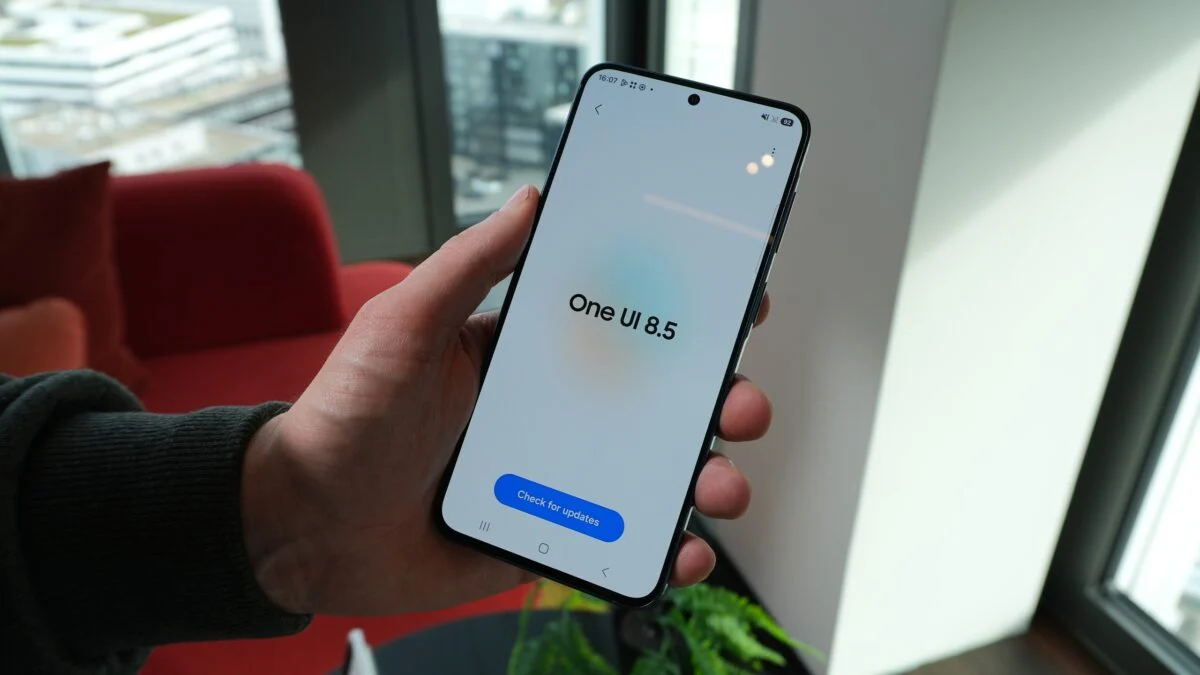
The latest One UI 8.5 features are getting plenty of attention, and Samsung fans around the world are eager to explore what the new update brings. The stable rollout began just a few days ago, and most users with eligible flagship devices have already received the upgrade. While there are several improvements worth talking about, one new addition is generating more excitement than the rest, and it could end up being a favorite for years to come.
That feature is Creative Studio, a fresh tool that gives Samsung users a new way to express themselves directly from their phones. For anyone who loves doodling, sketching, or simply experimenting with digital art, this might be the upgrade that finally makes the Galaxy experience feel more personal and playful.
What Is Creative Studio?
Creative Studio is a brand new feature introduced in One UI 8.5, and it replaces the older Drawing Assist tool that Samsung previously offered. While Drawing Assist was useful in its own way, Creative Studio takes things several steps further with new styles, more flexibility, and a cleaner interface.
Samsung has clearly used this update to modernize its creative tools and bring them more in line with what users today expect from a phone. Instead of being a small hidden utility, Creative Studio now feels like a real creative companion built into the system.
How to Access Creative Studio
One of the best things about Creative Studio is how easy it is to reach. Samsung has placed it right where most users naturally look for quick tools.
You can open it in two simple ways:
- Swipe right from the edge of your screen to open the edge panels, where Creative Studio appears at the very top
- Look for it as a dedicated app in your app drawer
Both options make it easy to launch the feature whenever inspiration strikes, whether you are taking notes during a meeting, relaxing at home, or just trying to entertain your kids during a long trip.
What Makes Creative Studio Special
Creative Studio is more than just a drawing tool. It offers a variety of artistic styles that turn your simple sketches or ideas into more polished and expressive pieces of art. Whether you are an experienced digital artist or someone who just enjoys casual doodling, the feature is designed to feel approachable for everyone.
Some of the highlights of Creative Studio include:
- A marker drawing style that gives your sketches a bold and colorful look
- A childhood sketch style for a more playful and nostalgic vibe
- Multiple imagery styles to fit different moods and creative needs
- Easy switching between tools without complicated menus
This kind of variety means you are not stuck doing the same thing every time. You can try different effects, experiment with new styles, and create something fresh whenever you want.
Why Users Are Loving It
There is something refreshing about a feature that is fun rather than purely practical. Most software updates focus on performance, security, or productivity, which are all important. However, Creative Studio adds a layer of enjoyment that many users find missing from modern smartphones.
It encourages people to slow down, play with ideas, and use their phone in a way that feels personal. For teachers, students, designers, parents, and casual users alike, that opens up a wide range of possibilities. You can create handmade-looking birthday cards, sketch ideas for projects, design fun illustrations for social media, or simply relax with some digital art.
A Smart Move by Samsung
By replacing Drawing Assist with something more flexible and visually pleasing, Samsung shows that it is paying attention to how users actually interact with their phones. Creativity has become a key part of how people use technology, and tools like Creative Studio fit right into that shift.
It also helps Samsung stand out in a crowded smartphone market. While many features across devices look increasingly similar, small but meaningful additions like this give Galaxy users something unique to enjoy.
Tips to Get the Most Out of Creative Studio
If you are planning to try Creative Studio for the first time, here are a few simple suggestions to help you make the most of the experience:
- Start with a blank canvas and try each drawing style to see which one suits you best
- Use the marker style for bold and expressive sketches
- Try the childhood sketch style when you want something casual and fun
- Combine Creative Studio with the S Pen if your device supports it for even smoother results
- Save your creations and share them through messaging apps or social media
The more you experiment, the more you will discover what makes this tool genuinely enjoyable to use.
Final Thoughts
Among all the new One UI 8.5 features, Creative Studio stands out as one of the most exciting additions. It is simple, easy to access, and offers a refreshing way to use your Samsung device beyond the usual tasks. While other improvements in the update focus on convenience and performance, Creative Studio reminds users that a smartphone can also be a tool for creativity and self-expression.
For anyone who has just received the One UI 8.5 update, this feature is definitely worth exploring. Whether you are looking to relax, create something meaningful, or just have a bit of fun, Creative Studio offers a small but delightful escape right inside your phone. It might not change the world, but it could change the way you enjoy your Galaxy device every single day.
Author